Follow us on our LinkedIn page

Bank Reconciliation Software with Automatic Transaction Matching

WhiteBooks automatically matches your bank transactions with accounting records, tracks unmatched entries, and generates audit-ready reconciliation reports.. WhiteBooks Best Bank Reconciliation Software India runs on India's GSP-certified, cloud-first business management platform used by 25,000+ businesses.

WhiteBooks keeps bank and books aligned with transaction matching, balance tracking, period controls, variance analysis, and audit ready reconciliation summaries.

bankReconcile-Dashboard
Reconciliation Register

Reconciliation Transaction Register

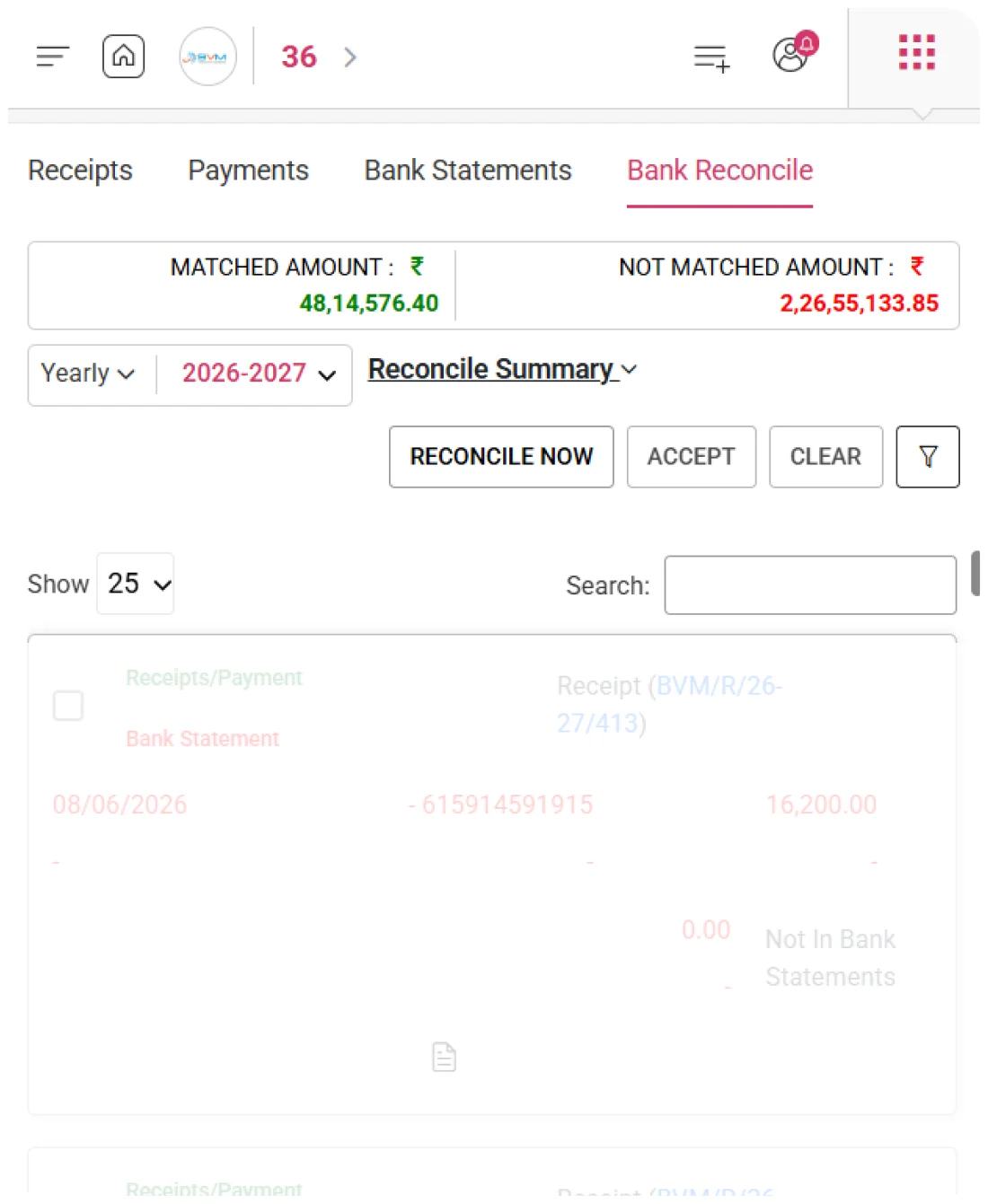
WhiteBooks organizes receipts, payments, and contra entries into a structured reconciliation register for the selected period. Finance teams can review these transactions and match them with bank statement entries before confirming reconciliation.
reconRegister-banking

Type-Based Transaction View

Each reconciliation register entry is categorized by type—receipts, payments, contra, or journal. This classification helps finance teams review and reconcile specific transaction categories systematically instead of working through mixed entries.

Chronological Transaction Order

All transactions are arranged chronologically by transaction date, allowing finance teams to review entries in the order they occurred. This helps align internal records with bank statement lines and quickly identify timing differences.

Credit & Debit Value Segregation

Each transaction displays credit and debit values in separate columns, clearly showing the direction of fund movement. This helps finance teams quickly match receipts and payments with the corresponding bank statement entries.
Reconcile

Complete Period Reconciliation.

WhiteBooks provides a dedicated reconciliation capability that enables finance teams to systematically match every internal transaction with its corresponding bank statement entry within a single structured workspace.
bankReconcile-banking

Record-to-Bank Matching

Finance teams can systematically match every unreconciled internal transaction against the corresponding bank statement entry within a single reconciliation session. This ensures that every transaction recorded in the books is verified against official banking evidence before the reconciliation period is finalized.

Permanent Transaction Linkage

Once a transaction match is confirmed, WhiteBooks permanently links the internal record with its corresponding bank statement entry. This linkage creates a documented record showing exactly which internal transaction corresponds to which bank statement line.

Entry Reconciliation Status

When a transaction is successfully matched, WhiteBooks updates its reconciliation status immediately, confirming that the entry has been verified against the bank statement and requires no further reconciliation action for the active period.
Bank Reconcile

Real-Time Reconciliation Status

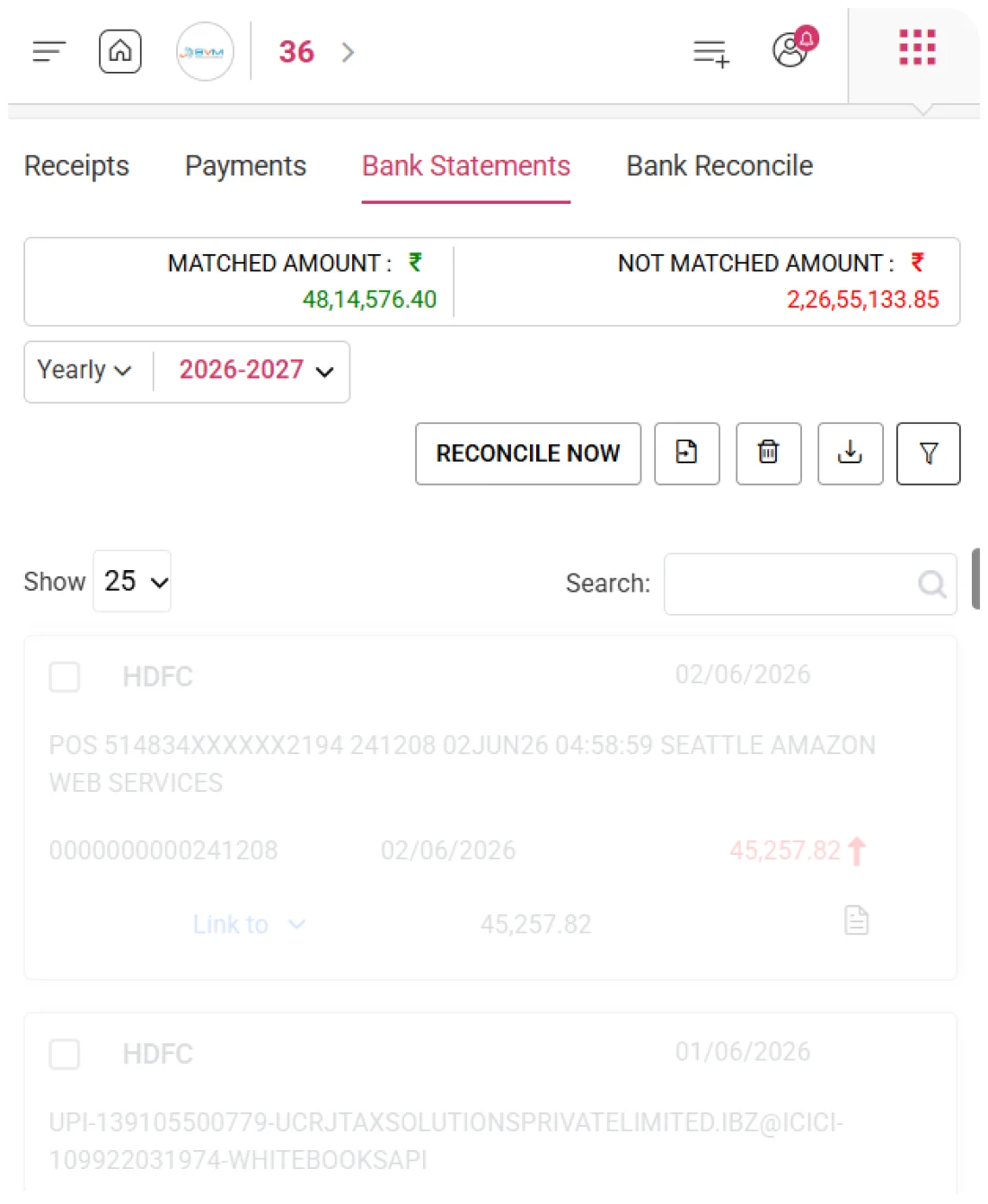
WhiteBooks continuously tracks the total value of matched and unmatched transactions for the active reconciliation period, giving finance managers an always-current, quantified view of reconciliation progress without requiring a separate report.
reconRegister-banking

Real-Time Matched Totals

WhiteBooks calculates the total value of transactions matched with bank statement entries in real time. This gives finance teams a continuously updated view of how much of the period’s activity has been successfully reconciled.

Outstanding Balance Tracker

The system maintains a live unmatched balance reflecting the total value of all internal transactions that have not yet been linked to any bank statement entry. This gives finance managers a precise, up-to-date view of outstanding items requiring investigation or reconciliation.

Instant Reconciliation Progress

Matched and unmatched totals are displayed side by side, enabling finance managers to instantly assess reconciliation progress for the active period and prioritize the resolution of outstanding transactions without waiting for a separate reconciliation report.
Accept / Clear

Finalize or Reset Reconciliation.

WhiteBooks offers two controlled actions—Accept and Clear—to manage period-end reconciliation. Accept finalizes and locks verified matches, while Clear removes all matches and resets transactions to unmatched for a fresh reconciliation.
approveClear-entires-bankReconcile

Reconciliation Final Approval

Accept and Clear actions are restricted to authorized finance personnel to ensure only responsible users can close or reset the reconciliation. This control protects the process from unauthorized approvals or accidental resets.

Period Closure & Match Reset

WhiteBooks locks reconciled entries once a period is accepted, ensuring verified data remains unchanged. The Clear action resets all matches, returning transactions to unmatched status, so reconciliation can be restarted cleanly.

Confirmed Reconciliation & Reset

Accepting a reconciliation period in WhiteBooks creates a permanent record with author, date, and totals, providing a clear audit trail. The Clear action resets all matches, letting finance teams restart reconciliation accurately from a clean state.
Reconcile Summary

Comprehensive Reconciliation Summary

WhiteBooks provides a consolidated, audit-ready reconciliation summary with reviewed transactions, matched/unmatched amounts, and book-to-bank variance, giving management a complete, actionable view.
reconcileSummary-bankReconcile

Book vs Bank Overview

WhiteBooks consolidates the active period’s reconciliation into a structured summary, showing total transactions reviewed, matched amounts, and outstanding unmatched balances. It gives management a complete, real-time view of the period’s reconciliation status.

Closing Balance Gap

The system calculates the difference between the organization’s book and bank closing balances for the active period. This helps finance teams identify timing differences, verify adjustments, and flag unexplained variances before formal acceptance.

Verified Period Reconciliation

WhiteBooks generates a formal reconciliation schedule directly from the summary, providing a structured, itemized explanation of book-to-bank differences. It meets statutory audit requirements, internal governance standards, and management reporting needs—without any manual preparation.
Reference Identification

Precise Transaction Matching

WhiteBooks captures and displays reference numbers for every transaction in the Bank Reconcile register, providing reconciliation teams a clear, document-based anchor for matching internal records to bank statements.
reconRegister-banking

Reference-Based Matching

Every internal transaction uses its reference number as the main identifier to locate and confirm the corresponding bank statement entry — providing a verifiable, unambiguous match that can be cross-checked against both internal records and official bank statements.

Unmatched Reference Review

Transactions whose reference numbers do not appear in any bank statement entry for the active period are automatically flagged — allowing reconciliation teams to identify timing differences, unrecorded payments, bank charges, or entries requiring correction.

Cross-Document Validation

Teams can verify that each internal transaction’s reference number aligns with the vendor payment confirmation, customer receipt, or bank transfer advice — ensuring full integrity and traceability of reconciliation matches across all supporting documentation for the active period.
Reconciliation Period Management

Period-Aligned Reconciliation

WhiteBooks confines each reconciliation to a single calendar month, keeping transactions and totals period-specific. This prevents cross-period errors and ensures clean, accurate monthly balances.
reconPeriod-bankReconcile

Time-Bound Reconciliation

Every reconciliation session is restricted to the selected calendar month — only transactions for that period are presented for matching, status updates, and confirmation, preventing errors from mixing entries across months.

Accurate Period Balances

Period boundaries ensure that matched transactions align with the correct month’s bank statement, timing differences are properly attributed, and the reconciled closing balance matches the official bank statement.

Reconciliation History

Finance teams can review previously completed reconciliations, verify outstanding prior-period transactions, confirm that historical positions remain unchanged, and retrieve prior-period reconciliation summaries for audits or management reporting.
Get started with WhiteBooks
WhiteBooks ensures bank reconciliation with structured registers, matching, summaries, variance analysis, and accurate period closing.
No Credit Card Required

Accounting pricing — built around what you actually use

WhiteBooks Accounting runs on a custom pricing model. We size the plan to your filing volume, number of GSTINs, integration scope and support tier — not to a fixed SKU. Most teams move from sandbox to production inside a week.

Start Free

Use the sandbox for as long as you need. No credit card. Real schemas, real responses, no usage caps for evaluation.

Talk to Sales

Tell us your filing volume and integrations. We come back with a written quote, SLA and onboarding plan within one business day.

Enterprise Plans

Multi-GSTIN, SSO, dedicated support, on-premise deployment and custom SLAs available for large teams.

Who this Accounting solution is built for

Every Accounting workflow on this page is shaped by feedback from real practitioners — accountants who file every month, integration engineers wiring our APIs into ERPs, and compliance heads accountable to the board for what gets submitted.

Accountants & Bookkeepers

Manage chart of accounts, vouchers, contra entries, bank statements and trial balance for unlimited clients without spreadsheets.

SME Finance Teams

Real-time P&L, balance sheet and cash-flow reports with drill-down to source documents — no month-end scramble.

Auditors & Reviewers

Read-only auditor logins, locked periods, immutable audit trail and one-click export of ledgers + supporting evidence.

Partner with WhiteBooks

WhiteBooks works with CA firms, ERP vendors, system integrators and channel partners across India and the GCC. Pick the track that matches how you serve clients — we will share commercials, training and co-marketing kits.

CA & Practitioner Partners

Onboard your client base, earn margin on every plan and get a co-branded portal to manage filings, due dates and ITC reconciliation.

Integration Partners

ERPs, POS systems and billing platforms — ship native WhiteBooks GST / e-Invoice / e-Way Bill integrations to your customers without building it yourself.

Channel & Resellers

Regional resellers and consultants — earn recurring commissions, get pre-sales support and a sandbox tenant for every prospect demo.

Frequently Asked Questions

We have put together some commonly asked questions

WhiteBooks organizes all receipts, payments, and contra entries into a structured reconciliation register for the selected period, categorized by type and arranged chronologically. Credit and debit values are displayed in separate columns, making it easy to align internal records with bank statement lines and identify timing differences before reconciliation is confirmed.

WhiteBooks continuously calculates and displays total matched and unmatched transaction values for the active period side by side, giving finance managers an always-current view of reconciliation progress without generating a separate report. Finance teams can instantly assess outstanding balances and prioritize unresolved entries before month-end.

WhiteBooks consolidates the active period's reconciliation into a structured summary showing total transactions reviewed, matched amounts, unmatched balances, and the book-to-bank closing balance difference. A formal reconciliation schedule is generated directly from this summary — meeting statutory audit requirements and management reporting needs without any manual preparation.

WhiteBooks uses the reference number of each transaction as the primary key to locate and confirm its corresponding bank statement entry, flagging unmatched references automatically for investigation. Each reconciliation session is restricted to a single calendar month, preventing cross-period errors, and finance teams can navigate to any historical month to review past reconciliations or retrieve prior-period summaries for audits.

WhiteBooks provides a dedicated reconciliation workspace where finance teams can systematically match every unreconciled internal transaction against its corresponding bank statement entry in a single session. Once a match is confirmed, WhiteBooks permanently links the internal record to the bank entry, updates the reconciliation status instantly, and reflects the change in the period's matched totals.

WhiteBooks offers two controlled period-end actions — Accept finalizes and locks all verified matches, creating a permanent audit record with author, date, and totals, while Clear resets all matches and returns transactions to unmatched status for a fresh reconciliation. Both actions are restricted to authorized finance personnel to prevent unauthorized approvals or accidental resets.

WhiteBooks confines every reconciliation session to a selected calendar month, keeping all transactions, totals, and statuses strictly period-specific. Finance teams can navigate to any historical month to review previously accepted reconciliations, verify unresolved prior-period items, and retrieve period summaries for audits or management reporting without affecting active periods.

WhiteBooks creates a permanent, documented linkage between each confirmed internal transaction and its bank statement entry, providing a verifiable record that can be cross-checked against both internal books and official statements. This ensures every reconciled match is traceable, prevents re-matching errors in future periods, and supports statutory audit requirements and internal governance standards.

Last updated · View changelog

Quick Answer

Bank Reconciliation Software with Automatic Transaction Matching

WhiteBooks Accounting Software is a cloud-based books-and-billing platform covering invoices, purchases, expenses, banking, inventory, payroll and financial reports under one login. It connects to 40+ ERPs including SAP, Oracle, Dynamics and Tally via REST API and is used by 25,000+ Indian businesses with 99.99% uptime and 24×7 Indian support. This feature is part of the Accounting module inside WhiteBooks.

25,000+ businesses served
40+ ERPs integrated
99.99% uptime SLA
24×7 Indian support
By CA Atul GargReviewing Editor — WhiteBooks Accounting Editorial DeskReviewed by the WhiteBooks Editorial Board · Last updated 8 June 2026