Follow us on our LinkedIn page

One Platform for Accurate Bulk Invoice Imports and Templates

WhiteBooks delivers custom import mapping with GST auto mapping, validation, reusable templates, and bulk invoice import support for accurate, efficient and. WhiteBooks Custom Import Mapping Software India runs on India's GSP-certified, cloud-first business management platform used by 25,000+ businesses.

WhiteBooks simplifies bulk invoice imports with custom mappings, GST auto mapping, validation controls, reusable templates, and consistent, error free data processing.

mapping-datahub-dashboard
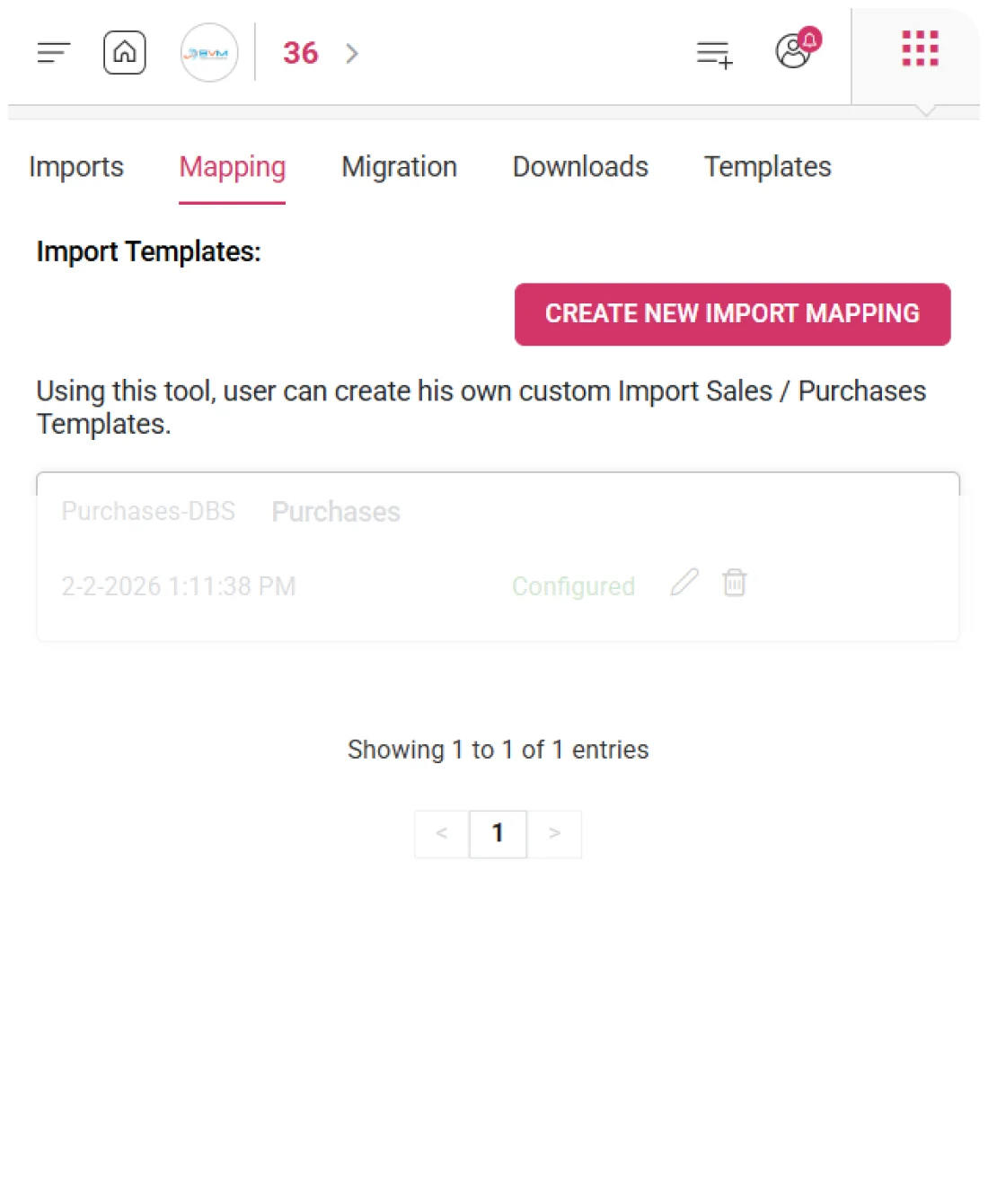
Create New Import Mapping

Custom Invoice Import Made Easy

WhiteBooks lets businesses create custom import templates by mapping Excel columns to transaction fields, saving them as reusable templates for consistent and accurate bulk invoice imports.
create-newImport-mapping

Mapping Name Assignment

Every custom mapping is assigned a unique name for easy identification and retrieval. This creates a self-explanatory mapping library, allowing finance and data teams to select templates quickly without re-examining column alignments.

Invoice Template Selection

During mapping creation, the relevant invoice type—Sales, Purchase, Single Sheet, E-Invoice, or EwayBill—is selected. This ensures column alignment corresponds correctly to the transaction fields of the intended invoice category.

Excel Source Upload

The source Excel file is uploaded to capture its actual column structure. This allows direct mapping from the business’s data file, ensuring the saved template accurately reflects the real source layout for future imports.
Invoice Template Type

Flexible Templates for Precise Invoice Mapping

WhiteBooks provides multiple invoice template options for custom import mappings. Selecting the appropriate template ensures column mappings align correctly, preventing import errors and maintaining accurate data.
inv-templateType-mapping

Sales Sheet Support

Custom mappings can be created for both standard and single-sheet Sales Invoice formats. This ensures every sales invoice field in the source file is correctly mapped to WhiteBooks sales transaction attributes during bulk import.

Purchase Sheet Support

Mappings can also be built for standard and single-sheet Purchase Invoice formats, guaranteeing that each purchase invoice field aligns accurately with the corresponding WhiteBooks purchase transaction attributes.

e-Invoice eWayBill Support

Custom mappings are available for E-Invoice and EwayBill templates, allowing businesses to import statutory transaction data with precise alignment to WhiteBooks compliance transaction fields, ensuring accurate government document registration.
Import Mapping Process

Two-Step Process for Controlled Template Setup

WhiteBooks structures custom import mapping creation into two sequential steps. Step 1 captures the mapping name, invoice template type, and source Excel file, while Step 2 aligns the file’s columns to WhiteBooks transaction fields.
create-newImport-mapping

Upload Excel Sheet

WhiteBooks captures the mapping name, invoice template type, and source Excel file. This establishes the foundation for the mapping, ensuring that Step 2 presents the correct transaction fields and source columns for precise alignment.

Map Parameters

WhiteBooks allows finance and data teams to align every column from the uploaded Excel file to the corresponding WhiteBooks transaction field. The completed mapping is saved as a reusable template for future bulk imports of the same data structure.

Step Navigation Controls

Users can move forward after a successful upload, or cancel at any point without saving. This ensures the mapping library only contains fully completed, correctly configured templates, preventing field misalignment errors.
Map Parameters

Instant Mapping of Uploaded GST Invoices

WhiteBooks automatically maps all GST invoice types from the uploaded Excel sheet to transaction fields, applies smart defaults for unmatched columns, and provides a consolidated status view for full visibility before adjustments.
auto-import-mapping

GST Auto Mapping

All detected GST invoice types—such as Invoices, Exports, Credit/Debit Notes, Advance Receipts, Nil Exempted, HSN, and Docs—are auto-matched to the correct transaction categories. The matched sheet names and mapping outcomes are displayed for verification and adjustment.

Mapping Count Visibility

The mapping status shows the number of fields successfully mapped versus total available fields for each invoice type (e.g., 27/28, 26/27). This lets teams quickly identify invoice types that may need manual alignment before saving the mapping.

Invoice Remapping Control

Every invoice type in the mapping grid can be reset individually without affecting other mappings. This allows targeted corrections where auto-mapping requires adjustment while preserving correctly configured fields for all other invoice types.
Unmapped Field Defaults

Ensure Full Mapping with Automatic Defaults

WhiteBooks applies smart defaults to GST fields that cannot be directly matched during auto-mapping, ensuring all invoice types are configured and showing default counts for review and manual refinement before saving.
auto-import-mapping

Smart Default Application

Every unmatched field receives an intelligent default value so that each invoice type mapping reaches a complete initial configuration. This allows auto-mapping to produce fully configured mappings despite inconsistencies in source column naming.

Smart Default Count

The mapping status shows the number of smart defaults applied per invoice type (e.g., 1, 2, or 4 smart defaults) alongside the mapped field ratio, giving teams visibility into fields requiring manual verification before finalizing the mapping.

Default Review Adjustment

Through the Configure Map Parameters panel, teams can review every smart default applied, identify which fields received defaults, and manually override any with the correct Excel column mapping before saving the configuration.
GST Invoice Types

Complete Coverage of All GST Invoice Types

WhiteBooks maps all GST invoice types in a single custom import mapping, covering core, advance, and summary transactions. This eliminates separate configurations and ensures accurate bulk imports across all categories.
gst-invTypes-mapping

Registered Transaction Coverage

Core GST types—Invoices, Exports, Credit/Debit Notes, and Credit/Debit Note Unregistered—are mapped to their corresponding WhiteBooks fields. This ensures accurate bulk registration of all registered supply transactions from the source Excel file in a single import.

Advance & Adjustment Coverage

Advance Receipt and Advance Adjusted transactions are mapped precisely, enabling correct registration of advance payments and adjustments. This ensures accurate tax liability computation and GSTR reporting during bulk import.

Compliance & Summary Coverage

Nil Exempted Non-GST entries, HSN summaries, and Docs are mapped to their WhiteBooks compliance fields. This ensures complete and accurate bulk registration of all GST return summary and non-GST supply data in one import.
Configure Map Parameters

Dedicated Panel to Configure GST Mapping

WhiteBooks provides a dedicated panel for each GST invoice type, showing every field’s name, type, mapping status, assigned Excel column or default, and manual adjustment options—enabling precise verification and corrections before saving.
configure-mapParameters-mapping

GST Fields Overview

Every GST transaction field for the selected invoice type is displayed with its name, data type, and mapping status—either mapped from Excel or using a smart default. This gives the team a complete, field-level overview of how each transaction attribute has been aligned during auto-mapping.

Field Filter Controls

Four filters—All, Mapped, Unmapped, and Mandatory—allow teams to focus on specific field subsets. This helps quickly identify unmapped fields, verify mandatory fields, and confirm mapped fields’ Excel column assignments.

Field Clear Control

Finance and data teams can manually select or change the Excel column mapped to any GST field, with an individual field clear option that removes the current assignment without affecting other mappings. This enables precise corrections to auto-mapped or smart-defaulted fields for accurate column-to-field alignment.
Global Template

Share Custom Import Mappings as Global Templates

WhiteBooks lets administrators mark a mapping as a global template, sharing it across all clients to standardize common invoice data structures and eliminate duplicate mapping efforts, ensuring consistency platform-wide.
globalTemplate-setup-mapping

Global Template Designation

Administrators can mark any custom import mapping as a global template at the point of saving. This allows a single mapping configuration to be used by all clients working with the same source data format, eliminating redundant mapping efforts.

All-Client Access

Once a mapping is globally designated, it becomes accessible to every client account on the platform. Clients can immediately apply the shared mapping to their bulk imports, reducing time and effort for common invoice data structures.

Optional Global Designation

Global sharing is applied on a per-mapping basis. Administrators retain control over which mappings are shared platform-wide and which remain account-specific, preventing inappropriate sharing of proprietary or client-specific configurations.
Mapping Controls

Seamless Mapping Session Management

WhiteBooks provides four session actions—Clear All Mappings, Back, Cancel, and Save—within the Map Parameters configuration, giving finance and data teams full control over every stage of the mapping session.
mapping-controls

Clear All Mappings

This action resets every field alignment across all invoice types, allowing a fresh start when the source file, template type, or auto-mapped configuration requires complete rebuilding instead of individual corrections.

Back Navigation

The Back action lets teams return to the previous step to correct the mapping name, template type, or source Excel file without losing the current field alignment, enabling efficient corrections without restarting the entire session.

Save Mapping

The Save action commits the completed mapping configuration—including field alignments, smart defaults, sheet-to-invoice associations, and global template designation—to the mapping library as a reusable template for future bulk imports, eliminating repeat configuration effort.
Saved Mappings

Save Custom Import Mappings as Reusable Templates

WhiteBooks saves every completed custom import mapping as a named, reusable template, letting teams apply pre-configured field alignments to future imports, reducing errors, saving setup time, and ensuring consistent data registration across all bulk operations.
mapping-register

Named Mapping Template

Every saved mapping is identified by its unique name, allowing teams to quickly select the correct template for future bulk imports without reviewing column alignments, ensuring recurring operations start efficiently and confidently.

Mapping Reuse Imports

Saved mappings can be applied to all future bulk imports of the same data type, guaranteeing consistent column-to-field alignment and eliminating variability or errors that could arise from manual recreation.

Manage Mapping Library

The mapping library allows teams to review all saved templates, update mappings when source structures change, and remove obsolete configurations, ensuring only current and accurate mappings are applied for live bulk import operations.
Learning Resources

Guides & Tutorials for Import Mapping

WhiteBooks provides in-module tutorials on data mapping and bulk invoice imports, giving finance and data teams step-by-step guidance for accurate custom mapping and efficient high-volume data registration.
mapping-learning-resources

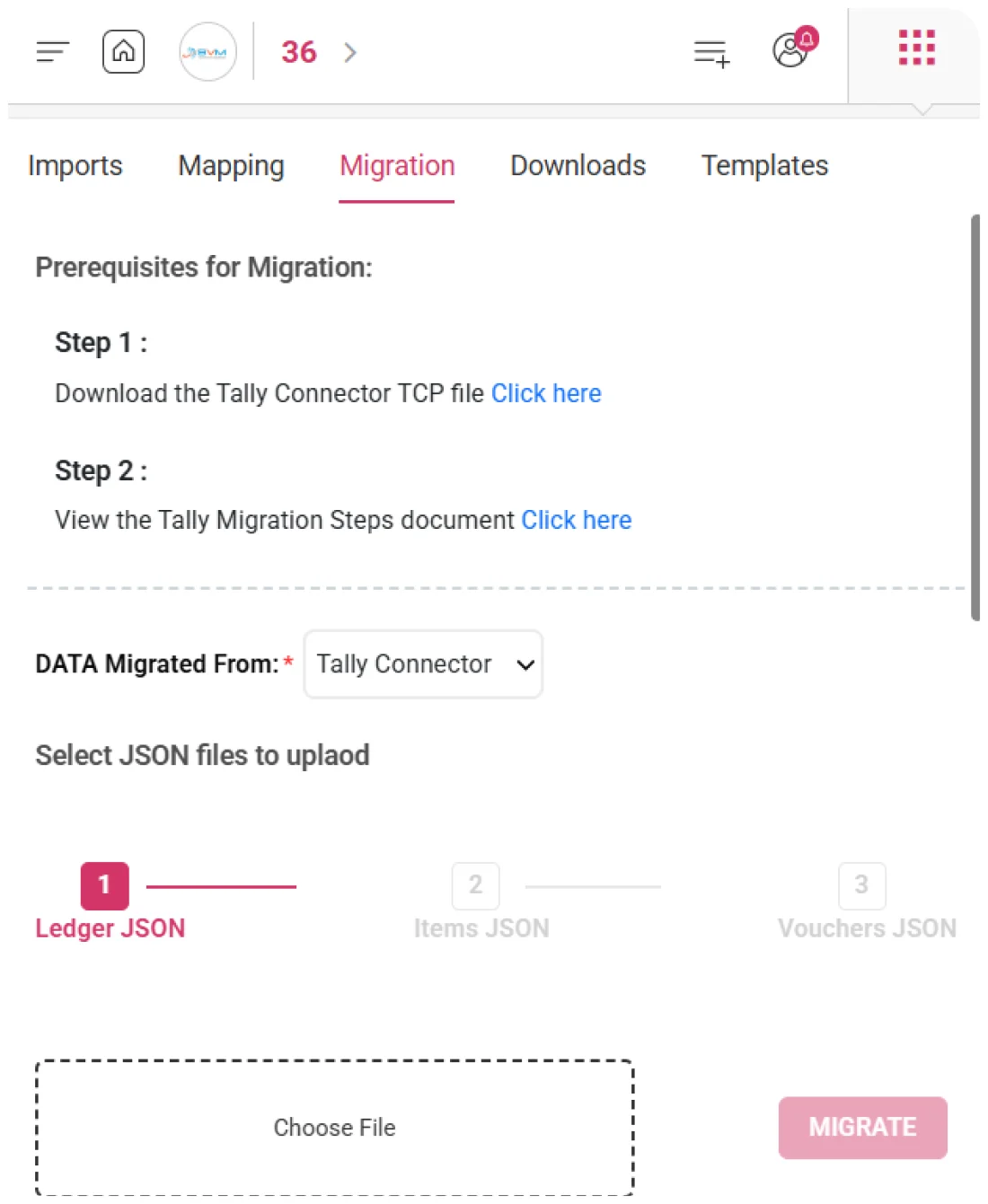
Data Mapping Guidance

This resource guides teams through the complete custom mapping process—from naming the mapping and selecting the invoice template type to uploading the Excel file and aligning columns—ensuring mappings are configured correctly on the first attempt.

Bulk Import Guidance

This resource covers the entire bulk import workflow, including template selection, file preparation, submission, processing, completion notifications, and error file review, enabling accurate, high-volume invoice registration with operational confidence.

Contextual In-Module Access

Both learning resources are accessible directly within the Mapping module, allowing teams to get guidance at the exact point of need without leaving the workflow, keeping import and mapping operations on track.
Get started with WhiteBooks
WhiteBooks ensures error free bulk invoice imports with mapping, validation, GST auto mapping, and reusable templates for fast, compliant data processing.
No Credit Card Required

Accounting pricing — built around what you actually use

WhiteBooks Accounting runs on a custom pricing model. We size the plan to your filing volume, number of GSTINs, integration scope and support tier — not to a fixed SKU. Most teams move from sandbox to production inside a week.

Start Free

Use the sandbox for as long as you need. No credit card. Real schemas, real responses, no usage caps for evaluation.

Talk to Sales

Tell us your filing volume and integrations. We come back with a written quote, SLA and onboarding plan within one business day.

Enterprise Plans

Multi-GSTIN, SSO, dedicated support, on-premise deployment and custom SLAs available for large teams.

Who this Accounting solution is built for

Every Accounting workflow on this page is shaped by feedback from real practitioners — accountants who file every month, integration engineers wiring our APIs into ERPs, and compliance heads accountable to the board for what gets submitted.

Accountants & Bookkeepers

Manage chart of accounts, vouchers, contra entries, bank statements and trial balance for unlimited clients without spreadsheets.

SME Finance Teams

Real-time P&L, balance sheet and cash-flow reports with drill-down to source documents — no month-end scramble.

Auditors & Reviewers

Read-only auditor logins, locked periods, immutable audit trail and one-click export of ledgers + supporting evidence.

Partner with WhiteBooks

WhiteBooks works with CA firms, ERP vendors, system integrators and channel partners across India and the GCC. Pick the track that matches how you serve clients — we will share commercials, training and co-marketing kits.

CA & Practitioner Partners

Onboard your client base, earn margin on every plan and get a co-branded portal to manage filings, due dates and ITC reconciliation.

Integration Partners

ERPs, POS systems and billing platforms — ship native WhiteBooks GST / e-Invoice / e-Way Bill integrations to your customers without building it yourself.

Channel & Resellers

Regional resellers and consultants — earn recurring commissions, get pre-sales support and a sandbox tenant for every prospect demo.

Frequently Asked Questions

We have put together some commonly asked questions

WhiteBooks structures custom import mapping into a guided flow where the mapping name, invoice type, and source Excel file are first defined, followed by column-to-field alignment. The configuration is saved as a reusable template, enabling teams to apply pre-set mappings for future bulk imports without repeating setup.

WhiteBooks automatically maps all detected GST invoice types—from Invoices and Exports to Credit/Debit Notes, Advance Receipts, Nil Exempted, HSN, and Docs—to the correct transaction categories from the uploaded Excel sheet. Unmatched fields receive smart default values, ensuring each invoice type reaches a complete initial configuration, with smart default counts displayed for review before saving.

WhiteBooks accepts only Excel files for mapping creation, ensuring reliable column extraction and accurate custom mappings. Each file is validated for format and size before alignment, with issues flagged immediately so teams can correct and resubmit a manageable sample without affecting the full dataset.

WhiteBooks maps all GST invoice types in a single custom import mapping—including core transactions (Invoices, Exports, Credit/Debit Notes), advances (Advance Receipt, Advance Adjusted), and compliance summaries (Nil Exempted Non-GST, HSN, Docs). This eliminates separate configurations, ensuring accurate bulk registration, correct tax computation, and complete GSTR reporting in one import.

WhiteBooks offers multiple invoice template options for custom import mappings—including standard and single-sheet Sales and Purchase Invoices, as well as E-Invoice and EwayBill templates. Selecting the correct template ensures accurate column-to-field alignment and error-free bulk data registration.

WhiteBooks provides a Configure Map Parameters panel for each GST invoice type, showing every field’s name, type, mapping status, and assigned Excel column or smart default. Filters for All, Mapped, Unmapped, and Mandatory fields help focus reviews, while individual field clear controls allow precise manual reassignment without affecting other mappings.

WhiteBooks lets administrators designate any custom import mapping as a global template, making it instantly available to all client accounts. Global designation is applied per mapping, ensuring control over which templates are shared platform-wide while standardizing common invoice data structures and preventing inappropriate sharing of client-specific configurations.

WhiteBooks provides four session controls in the Map Parameters configuration: Clear All Mappings to reset all fields, Back to correct mapping name, template type, or source file, Cancel to exit without saving, and Save to commit the completed configuration—including field alignments, smart defaults, and global template designation—as a reusable template.

Last updated · View changelog

Quick Answer

One Platform for Accurate Bulk Invoice Imports and Templates

WhiteBooks Accounting Software is a cloud-based books-and-billing platform covering invoices, purchases, expenses, banking, inventory, payroll and financial reports under one login. It connects to 40+ ERPs including SAP, Oracle, Dynamics and Tally via REST API and is used by 25,000+ Indian businesses with 99.99% uptime and 24×7 Indian support. This feature is part of the Accounting module inside WhiteBooks.

25,000+ businesses served
40+ ERPs integrated
99.99% uptime SLA
24×7 Indian support
By CA Atul GargReviewing Editor — WhiteBooks Accounting Editorial DeskReviewed by the WhiteBooks Editorial Board · Last updated 8 June 2026