Follow us on our LinkedIn page

Build,Manage and Migrate Your Chart of Accounts in One Platform

WhiteBooks manages ledgers with structured setup, hierarchy classification, bulk import, and instant retrieval for accurate and organized accounting records. WhiteBooks Ledger Management & Import/Export India runs on India's GSP-certified, cloud-first business management platform used by 25,000+ businesses.

WhiteBooks manages ledgers with structured setup, classification, bulk import or export, and instant retrieval for accurate reporting.

ledger-accounting-dashboard
Add Ledger

Build a Complete Chart of Accounts with Ease

WhiteBooks enables structured ledger creation to build a complete chart of accounts. Each ledger is defined with name, group, opening balance, and account type for accurate accounting setup before transactions begin.
add-ledger

Ledger Cash Classification

WhiteBooks captures the ledger name and identifies it as cash or non-cash during creation. This ensures proper account categorization from the start, supporting accurate cash flow tracking and bank reconciliation processes.

Group Subgroup Classification

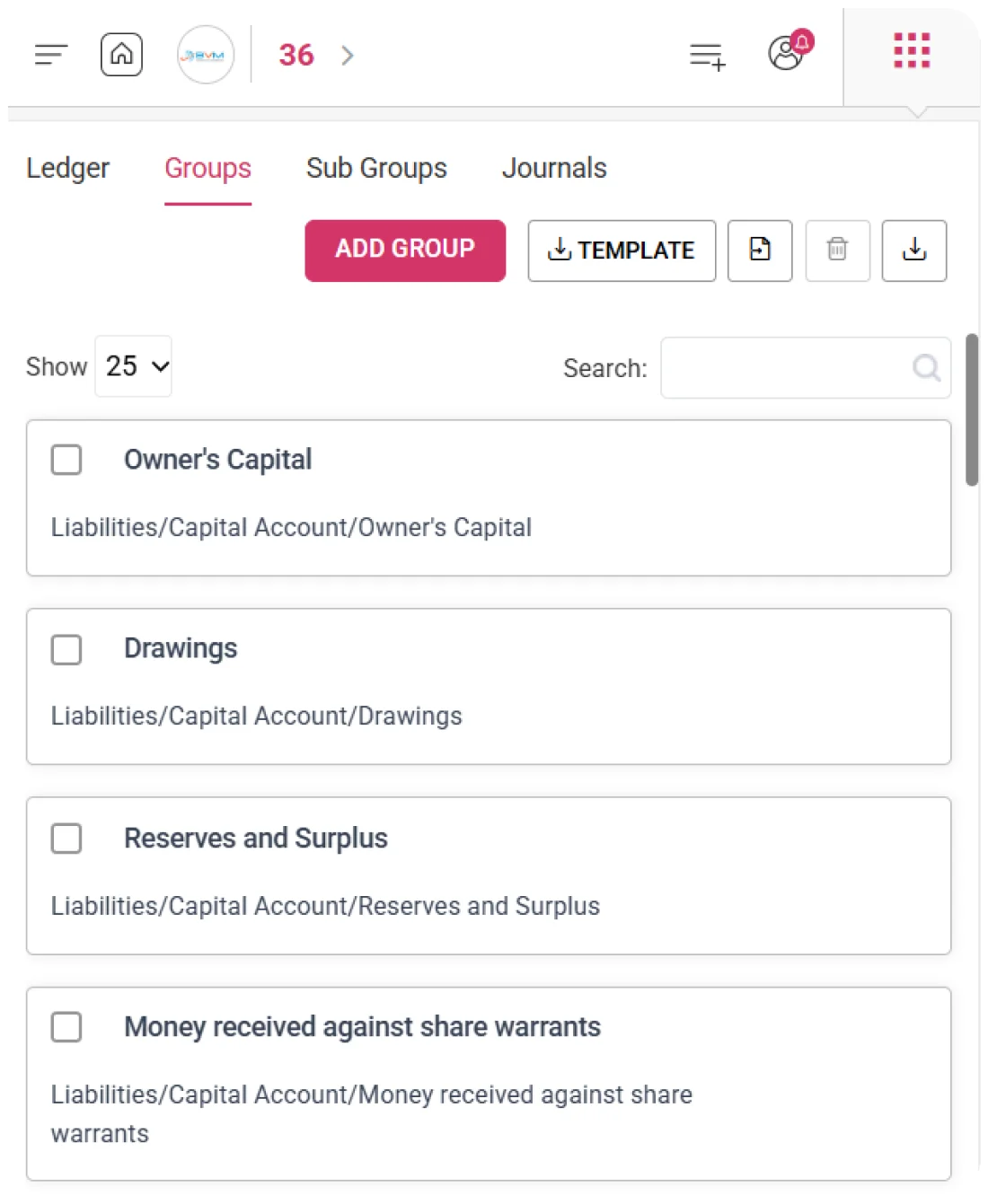
Each ledger is assigned to the correct group and sub-group within the accounting hierarchy. This ensures accurate mapping in financial statements like the Trial Balance, Profit & Loss, and Balance Sheet with correct structural flow.

Opening Balance Setup

WhiteBooks allows setting opening balance along with Debit or Credit classification at creation. This establishes the correct starting position for each ledger, ensuring accurate financial reporting from day one.
Opening Balance

Multi-Line Opening Balance Support for Ledger Migration

WhiteBooks allows multiple opening balance rows to be added to a single ledger during creation. This enables accurate capture of detailed, party-wise or segment-wise balances during system migration, ensuring precise financial continuity and reconciliation.
ledger-opening-balance

Ledger Opening Balances

WhiteBooks supports multiple opening entries within a single ledger, allowing businesses to record party-wise or segment-wise balances separately. This preserves detailed outstanding structures for accurate post-migration reconciliation.

Account Migration Accuracy

The system ensures that multi-component account balances are retained without consolidation loss during migration. This maintains financial accuracy and supports reliable reporting of complex ledger positions across systems.

Opening Date Configuration

WhiteBooks allows setting a specific opening balance date aligned with the migration start period. This ensures all opening entries are correctly positioned for accurate financial period tracking and reporting continuity.
Ledger Register

Central Ledger Register with Journal Insights

WhiteBooks provides a structured ledger register showing the full chart of accounts with ledger names, hierarchy, and journal counts. It offers a clear, unified view of all accounts for better understanding of structure and classification.
ledger-register

Chart Accounts View

WhiteBooks presents all ledgers in a single consolidated register for full visibility of the chart of accounts. This helps finance teams and auditors quickly verify account completeness, detect duplicates, and review overall structure efficiently.

Accounting Path Structure

Each ledger displays its complete hierarchy path from group to sub-group to ledger level. This provides clear structural context, reducing classification errors and ensuring accurate ledger selection during transaction entry.

Ledger Journal Count

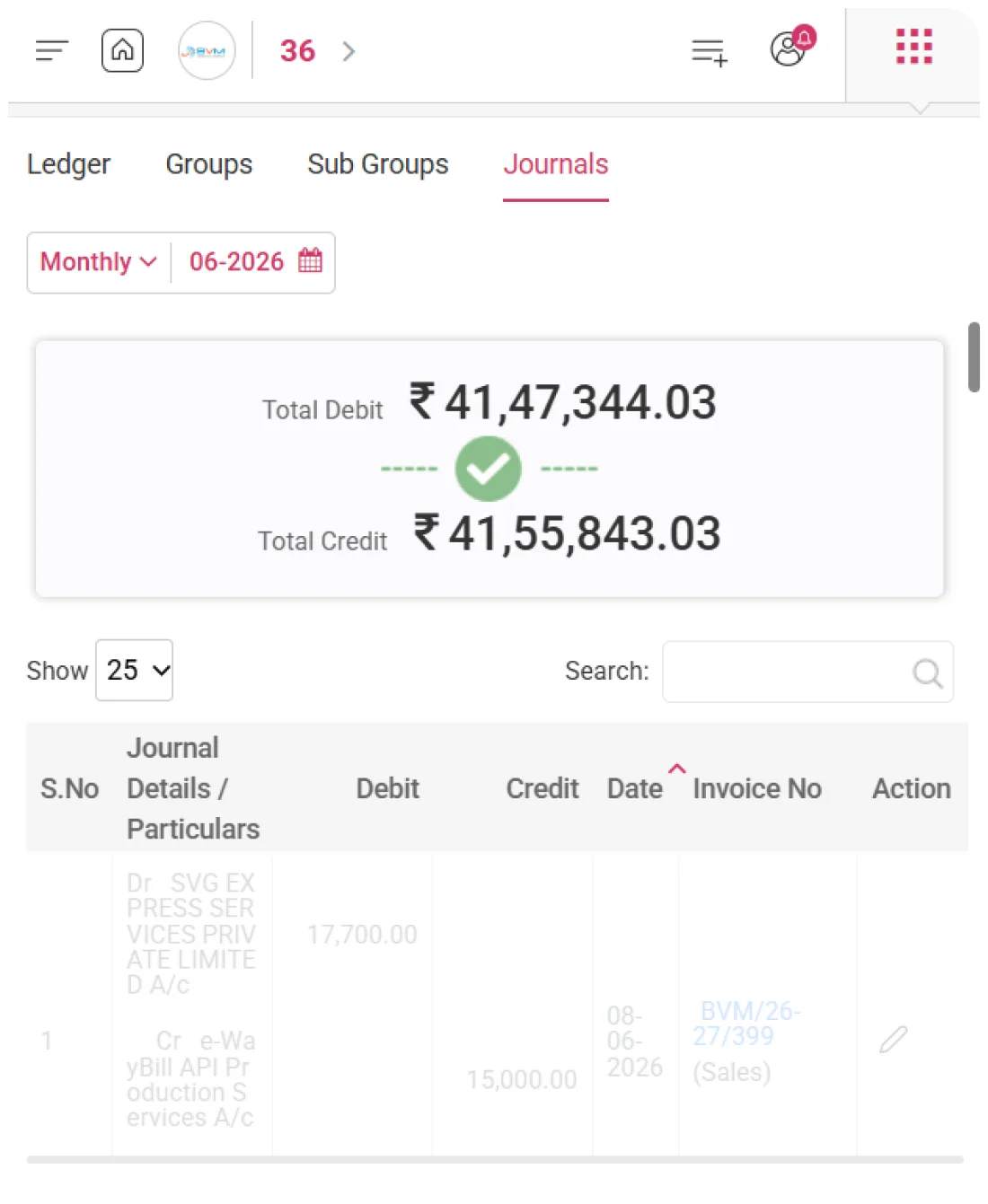
WhiteBooks shows the total number of journal entries posted against each ledger. This helps identify active, dormant, or high-volume accounts for better audit review and financial analysis. It also supports better tracking of account usage trends over time.
Ledger Path

Structured Ledger Positioning Across Financial Statements

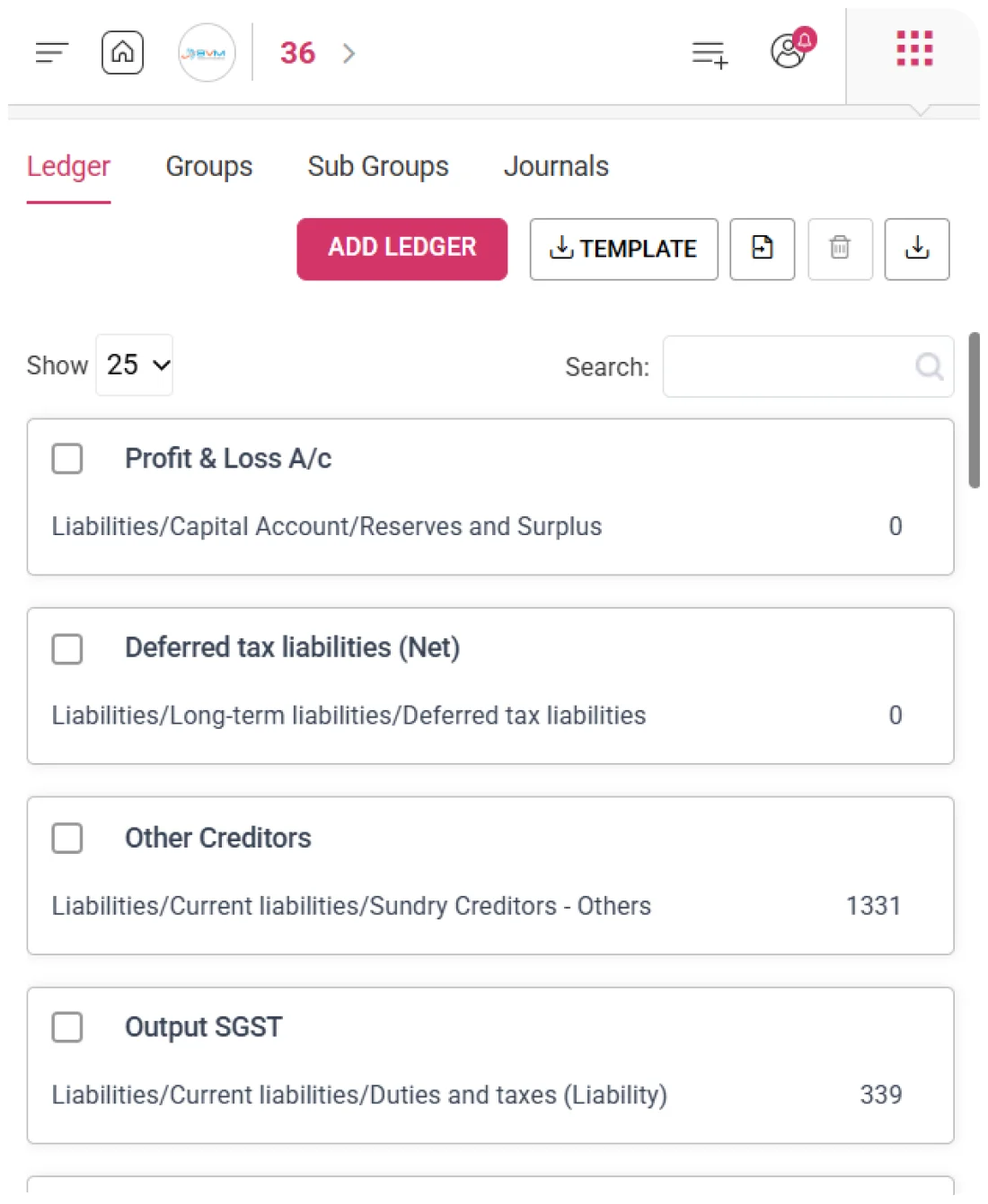
WhiteBooks assigns a clear hierarchy path to each ledger, defining its position from group to sub-group. This ensures transactions automatically reflect in Trial Balance, Profit & Loss, and Balance Sheet without manual mapping.
ledger-register

Liabilities Hierarchy Path

WhiteBooks assigns liability-based hierarchy paths to creditor, tax, and capital accounts. This ensures accurate placement of accounts like Sundry Creditors, GST liabilities, and reserves directly under the correct Balance Sheet liability and capital sections.

Assets Hierarchy Path

WhiteBooks assigns asset-based hierarchy paths to debtor and current asset accounts. This ensures correct classification of accounts like Sundry Debtors and other assets under the proper Balance Sheet headings automatically.

Financial Statement Positioning

WhiteBooks uses hierarchy paths to automatically position every ledger in financial statements. This ensures accurate reporting in Trial Balance, Profit & Loss, and Balance Sheet without manual mapping or adjustments.
Template Import

Bulk Ledger Import for Complete Chart of Accounts Setup

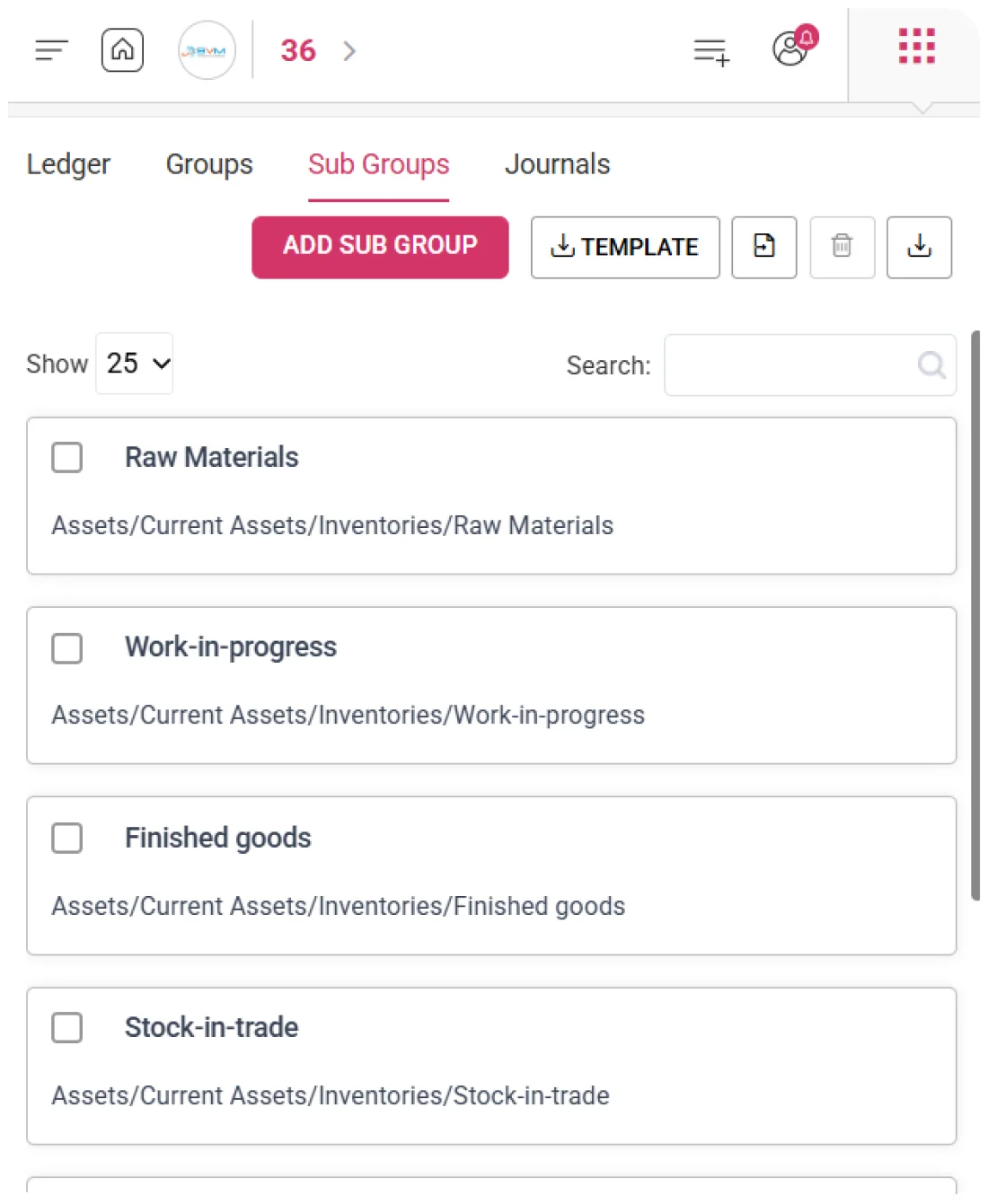
WhiteBooks enables bulk creation of the chart of accounts via structured template import. Users can upload all ledger details, including hierarchy, opening balances, and types, in one step for fast and accurate setup or migration.
ledger-template-import

Chart Accounts Import

WhiteBooks provides a structured template to upload all ledgers at once, including names, groups, sub-groups, opening balances, and balance types. This eliminates manual ledger creation and speeds up system setup significantly.

Import Validation Control

WhiteBooks validates all ledger data before import, checking for missing fields, incorrect classifications, and duplicates. This ensures only accurate and compliant account structures are created in the system.

Protected Ledger Import

WhiteBooks preserves all existing ledgers during bulk import and prevents overwriting or duplication. This maintains chart of accounts integrity while allowing seamless expansion of account structures.
Export

Seamless COA Export for Compliance & Migration

WhiteBooks allows export of the complete ledger register with account names, hierarchy paths, and journal counts in a structured format. This supports chart of accounts review, audit documentation, migration mapping, and financial governance with full accounting visibility.
ledger-export

Chart Accounts Export

WhiteBooks allows extraction of all ledger accounts in a single export, including names, hierarchy paths, and journal activity. This provides a ready-to-use dataset for financial review, reporting, and structure validation without additional formatting.

Hierarchy Activity Analysis

The exported data enables detailed analysis of account classification and transaction activity. It helps identify zero-activity ledgers, verify correct grouping, and assess transaction distribution across the chart of accounts.

Audit Migration Support

The exported ledger register serves as official documentation of the full chart of accounts. It supports audits, system migrations, and compliance reviews by providing verifiable account structure evidence.
Import

Direct Chart of Accounts Import for Seamless Migration

WhiteBooks provides a ledger import feature to migrate an existing chart of accounts from other accounting systems. It supports bulk upload of ledgers with hierarchy, opening balances, and balance types for fast, accurate migration without manual entry.
ledger-import

Chart Accounts Import

WhiteBooks supports direct ingestion of completed ledger files into the system. It processes all accounts—including names, groups, sub-groups, and opening balances—in a single operation for fast migration and setup.

Structure Integrity Migration

The import process retains existing accounting structures, naming conventions, and classifications. This ensures continuity of familiar chart of accounts design without forcing users into a default or restructured setup.

Import Validation Control

WhiteBooks validates all ledger data before final import, checking for completeness, classification accuracy, and duplicates. This prevents errors and ensures only clean, compliant account structures are created in the system.
Ledger Retrieval

Instant Ledger Access from Chart of Accounts

WhiteBooks enables quick retrieval of any ledger from the chart of accounts using name, hierarchy path, or journal activity. It eliminates manual searching and provides fast access to complete ledger details for accounting and audit workflows.
ledger-retrieval

Instant Ledger Retrieval

WhiteBooks allows accountants to locate any ledger within seconds from the entire chart of accounts. This removes the need for manual scrolling and speeds up transaction entry and financial review processes, improving overall accounting efficiency and accuracy.

Multi Dimension Matching

The system supports search across ledger name, hierarchy path, and journal activity. This flexibility ensures users can find accounts even with partial or indirect reference information, making ledger access faster and more reliable during accounting operations.

Chart Search Coverage

WhiteBooks searches across the entire ledger register without exclusions. This guarantees that every account, regardless of group or activity level, is always available for retrieval, ensuring complete visibility across the chart of accounts.
Get started with WhiteBooks
WhiteBooks ensures a complete, classified, and audit ready chart of accounts with structured setup, bulk import, migration, and instant retrieval.
No Credit Card Required

Accounting pricing — built around what you actually use

WhiteBooks Accounting runs on a custom pricing model. We size the plan to your filing volume, number of GSTINs, integration scope and support tier — not to a fixed SKU. Most teams move from sandbox to production inside a week.

Start Free

Use the sandbox for as long as you need. No credit card. Real schemas, real responses, no usage caps for evaluation.

Talk to Sales

Tell us your filing volume and integrations. We come back with a written quote, SLA and onboarding plan within one business day.

Enterprise Plans

Multi-GSTIN, SSO, dedicated support, on-premise deployment and custom SLAs available for large teams.

Who this Accounting solution is built for

Every Accounting workflow on this page is shaped by feedback from real practitioners — accountants who file every month, integration engineers wiring our APIs into ERPs, and compliance heads accountable to the board for what gets submitted.

Accountants & Bookkeepers

Manage chart of accounts, vouchers, contra entries, bank statements and trial balance for unlimited clients without spreadsheets.

SME Finance Teams

Real-time P&L, balance sheet and cash-flow reports with drill-down to source documents — no month-end scramble.

Auditors & Reviewers

Read-only auditor logins, locked periods, immutable audit trail and one-click export of ledgers + supporting evidence.

Partner with WhiteBooks

WhiteBooks works with CA firms, ERP vendors, system integrators and channel partners across India and the GCC. Pick the track that matches how you serve clients — we will share commercials, training and co-marketing kits.

CA & Practitioner Partners

Onboard your client base, earn margin on every plan and get a co-branded portal to manage filings, due dates and ITC reconciliation.

Integration Partners

ERPs, POS systems and billing platforms — ship native WhiteBooks GST / e-Invoice / e-Way Bill integrations to your customers without building it yourself.

Channel & Resellers

Regional resellers and consultants — earn recurring commissions, get pre-sales support and a sandbox tenant for every prospect demo.

Frequently Asked Questions

We have put together some commonly asked questions

WhiteBooks creates structured ledger records capturing name, cash or non-cash type, group, sub-group, and opening balance with Dr/Cr classification. Each ledger is assigned to the correct position in the accounting hierarchy, ensuring accurate mapping in financial statements like the Trial Balance, Profit & Loss, and Balance Sheet from day one.

WhiteBooks presents all ledgers in a single consolidated register with full account names, hierarchy paths, and the total journal entries posted against each account. Journal counts help finance teams and auditors identify active, dormant, or high-volume accounts for better audit review, structure verification, and usage trend analysis.

WhiteBooks supports bulk ledger creation via a structured template — users upload all ledger names, groups, sub-groups, opening balances, and balance types in one step, with pre-import validation checking for missing fields, incorrect classifications, and duplicates. Existing ledgers remain fully protected, ensuring chart of accounts integrity is maintained during any expansion or migration.

WhiteBooks assigns a clear group-to-sub-group hierarchy path to each ledger so every transaction automatically flows to the correct position in the Trial Balance, Profit & Loss, and Balance Sheet without manual mapping. Liability-based paths route creditor and capital accounts to Balance Sheet liability sections, while asset-based paths correctly position debtors and current assets.

WhiteBooks allows multiple opening balance rows to be added to a single ledger during creation, enabling party-wise or segment-wise balances to be captured separately rather than consolidated. A specific opening balance date can also be configured to align with the migration start period, ensuring all entries are correctly positioned for accurate financial period reporting.

WhiteBooks exports the entire ledger register in a single operation — producing a structured dataset with account names, hierarchy paths, and journal activity counts ready for financial review, structure validation, and audit documentation. The exported register also serves as official evidence of the complete chart of accounts for compliance reviews and system migration mapping.

WhiteBooks supports direct import of an existing chart of accounts from other systems, processing all account names, groups, sub-groups, opening balances, and balance types in one bulk operation. The import retains existing naming conventions and structures without forcing a default setup, and validation checks ensure only accurate, duplicate-free accounts are created.

WhiteBooks locates any ledger within seconds by matching queries simultaneously across account name, hierarchy path, and journal activity — without manual scrolling through the full register. The search covers every account regardless of group or activity level, ensuring complete visibility and fast access during transaction entry, audit review, and financial operations.

Last updated · View changelog

Quick Answer

Build,Manage and Migrate Your Chart of Accounts in One Platform

WhiteBooks Accounting Software is a cloud-based books-and-billing platform covering invoices, purchases, expenses, banking, inventory, payroll and financial reports under one login. It connects to 40+ ERPs including SAP, Oracle, Dynamics and Tally via REST API and is used by 25,000+ Indian businesses with 99.99% uptime and 24×7 Indian support. This feature is part of the Accounting module inside WhiteBooks.

25,000+ businesses served
40+ ERPs integrated
99.99% uptime SLA
24×7 Indian support
By CA Atul GargReviewing Editor — WhiteBooks Accounting Editorial DeskReviewed by the WhiteBooks Editorial Board · Last updated 8 June 2026