Follow us on our LinkedIn page

Control and Manage Auditor Access in Your Accounting Software

WhiteBooks manages auditor access with role based permissions, login tracking, access control, search, and audit ready exports for governance with secure,. WhiteBooks Auditor Access Management Software India runs on India's GSP-certified, cloud-first business management platform used by 25,000+ businesses.

WhiteBooks gives you full auditor access control with role-based permissions, activity tracking, and instant access revocation from a single platform.

auditors-dashboard
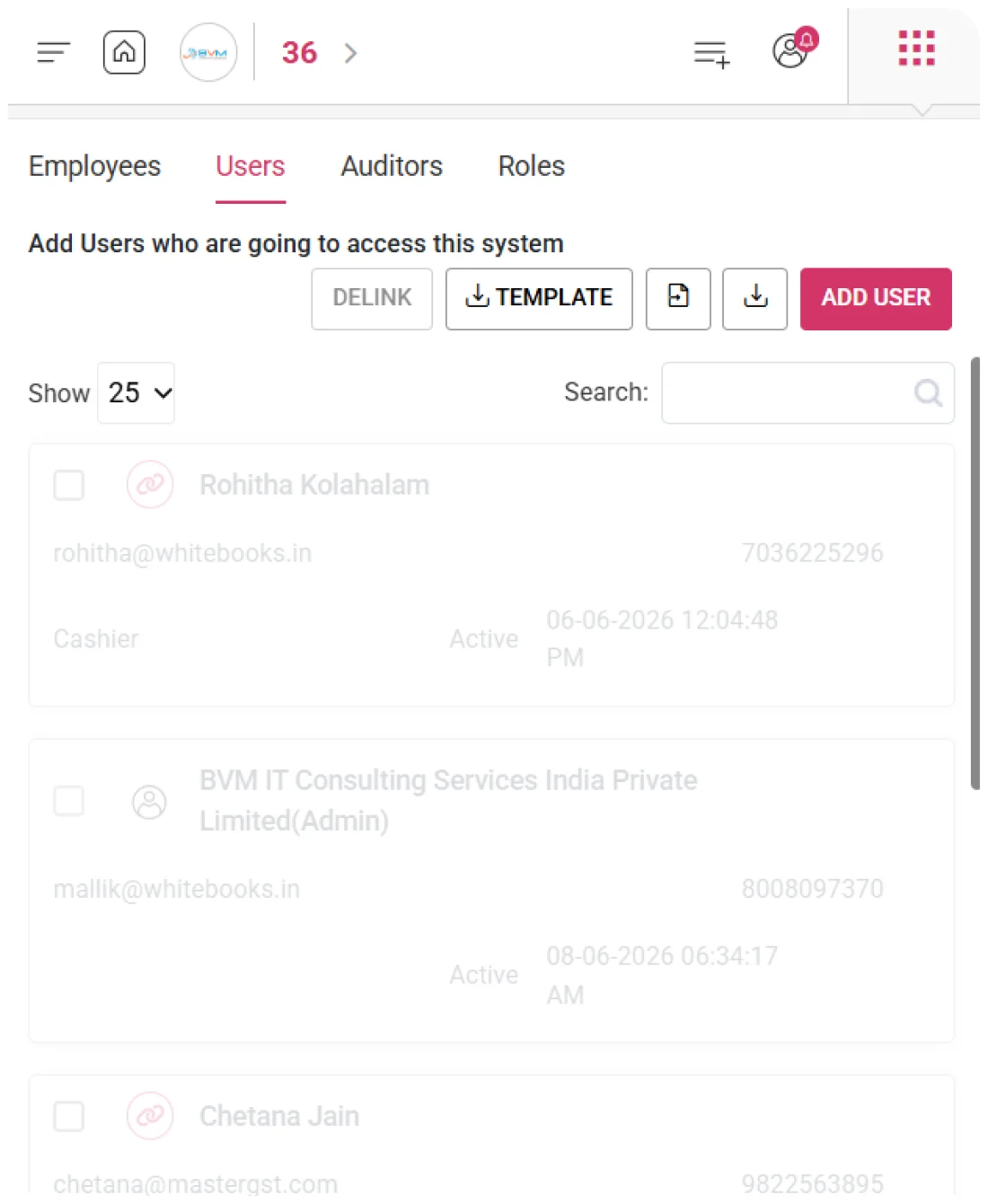
Add Auditor

Auditor Registration & Verification

WhiteBooks provides a dedicated auditor creation capability that allows businesses to register internal reviewers, external chartered accountants, tax consultants, and statutory auditors with controlled system access.
people-create-auditor

Auditor Profile Capture

Captures full auditor details — username, email, mobile number, role, and access status — creating a verified profile that serves as the reference for all review activities and access tracking.

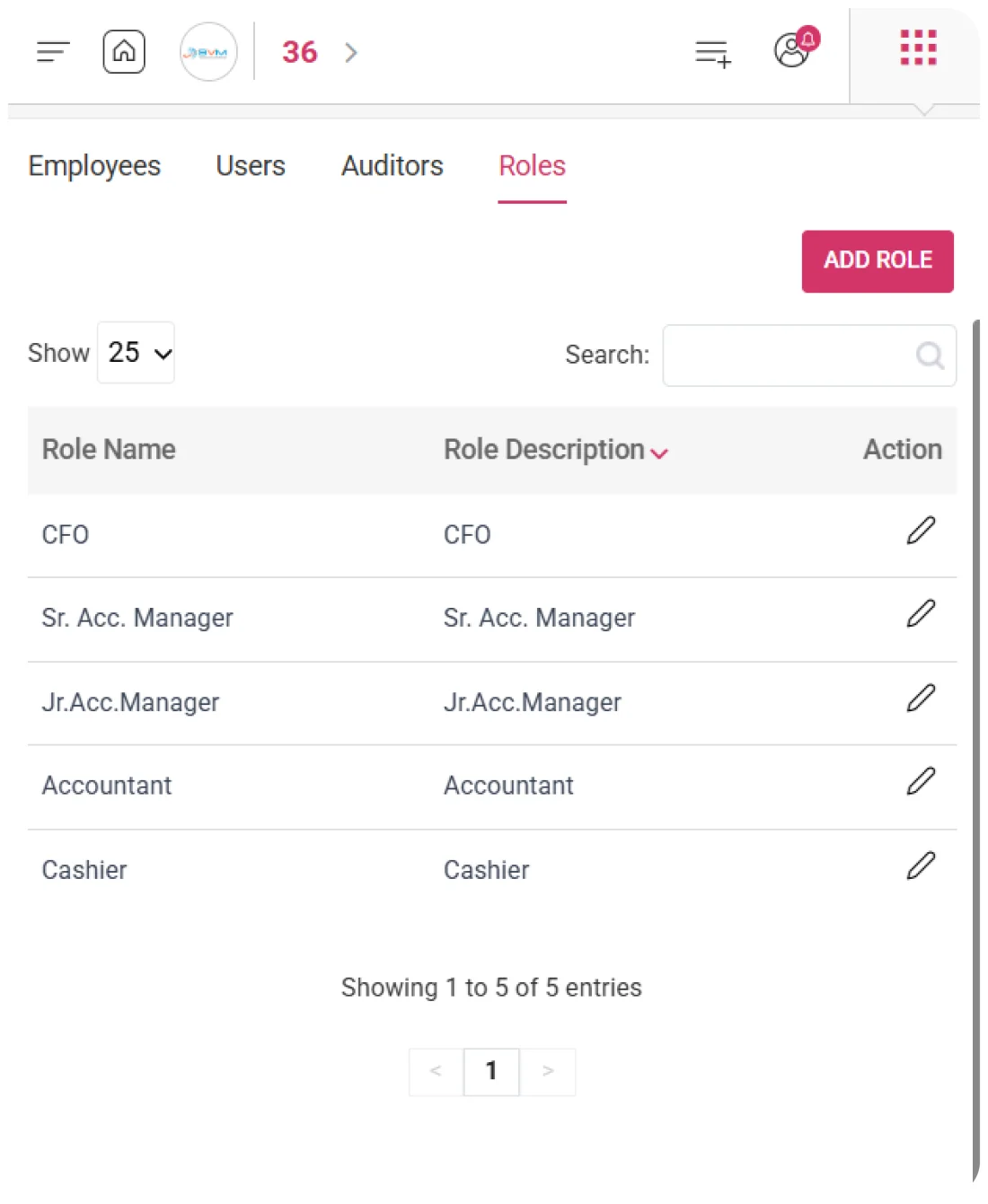
Role-Based Access

Assigns a specific role at the time of registration, defining what financial data and modules the auditor can access — ensuring controlled and secure review boundaries from day one.

Auditor Access Activation

Enables activation or deactivation of auditor access without deleting records, allowing businesses to control when an auditor can access the system while preserving complete audit history and review traceability.
Auditor Register

Centralized Auditor Access & Register

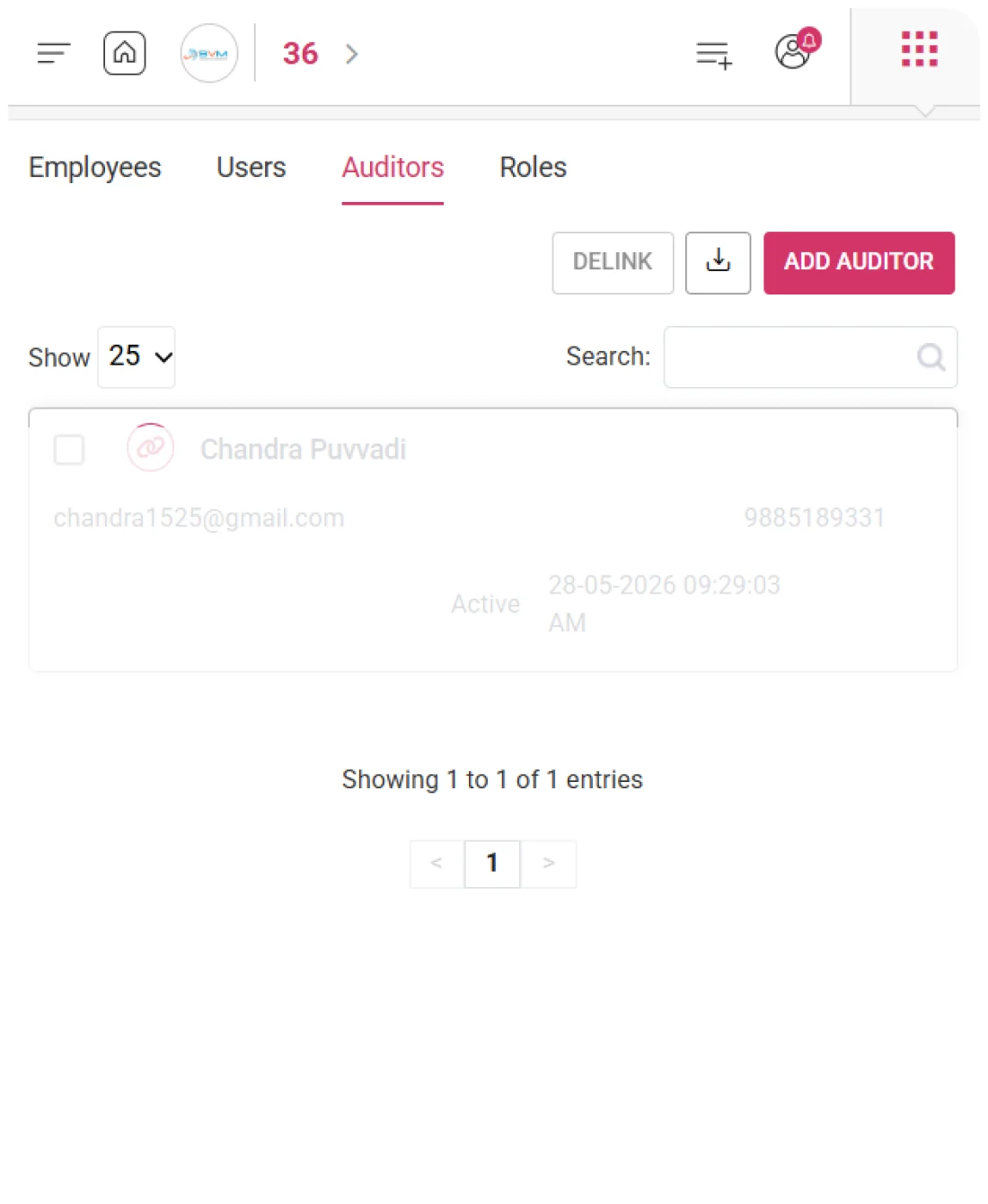
WhiteBooks provides a centralized auditor register that presents every registered auditor with their complete profile — username, email, mobile number, assigned role, access status, and last login — in a single unified view.
people-auditors

Auditor Profile Overview

Displays full auditor details — username, email, mobile, role, status, and last login — in a structured register, giving administrators complete visibility to manage auditor access and review activity from a single screen.

Last Login per Auditor

Shows the last logged in timestamp for each auditor directly in the grid, helping identify inactive auditors, completed engagements, and confirming successful access activation.

Role-Based Access Visibility

Displays assigned roles for every auditor in the register, enabling quick verification and adjustment of access permissions aligned with each auditor’s engagement scope.
Export

Complete Auditor Data Export

WhiteBooks enables businesses to extract their complete auditor register — including usernames, contact details, roles, status, and last login timestamps — into a structured, portable format for governance and compliance use.
auditor-export

Auditor Register Export

Exports the full auditor register in a single structured file with all profile and access details, ensuring immediate usability for access reviews and compliance workflows.

Access & Activity Analysis

Enables reporting on auditor activity, login timelines, and active vs delinked access, supporting informed governance decisions and engagement oversight.

Compliance & Audit Docs

Provides a complete, verifiable record of auditor access history for audits and regulatory submissions, ensuring transparency and compliance with access control requirements.
Search

Instant Auditor Record Lookup

WhiteBooks provides a real-time search capability within the auditor register that filters records instantly as you type. It enables quick identification of auditors by matching across multiple profile fields without manual scrolling.
instantRetreival-auditor

Real-Time Filtering

WhiteBooks dynamically filters the auditor register as the search term is entered, instantly narrowing down the records without requiring a separate search action.This allows administrators to locate specific auditors quickly without disrupting the grid structure or sorting.

Multi-Field Auditor Search

The search functionality works across multiple fields including username, email, mobile number, role, and status simultaneously.This ensures auditors can be found using any available identifier without restricting the search to a single column

Live Result Count Visibility

WhiteBooks updates the result count in real time as the search is refined, showing how many records match the entered term.This gives administrators immediate feedback on whether the result is unique or requires further filtering.
Get started with WhiteBooks
WhiteBooks secures financial data with controlled auditor access, role permissions, activity tracking, and instant revocation for audit-ready compliance.
No Credit Card Required
s

Accounting pricing — built around what you actually use

WhiteBooks Accounting runs on a custom pricing model. We size the plan to your filing volume, number of GSTINs, integration scope and support tier — not to a fixed SKU. Most teams move from sandbox to production inside a week.

Start Free

Use the sandbox for as long as you need. No credit card. Real schemas, real responses, no usage caps for evaluation.

Talk to Sales

Tell us your filing volume and integrations. We come back with a written quote, SLA and onboarding plan within one business day.

Enterprise Plans

Multi-GSTIN, SSO, dedicated support, on-premise deployment and custom SLAs available for large teams.

Who this Accounting solution is built for

Every Accounting workflow on this page is shaped by feedback from real practitioners — accountants who file every month, integration engineers wiring our APIs into ERPs, and compliance heads accountable to the board for what gets submitted.

Accountants & Bookkeepers

Manage chart of accounts, vouchers, contra entries, bank statements and trial balance for unlimited clients without spreadsheets.

SME Finance Teams

Real-time P&L, balance sheet and cash-flow reports with drill-down to source documents — no month-end scramble.

Auditors & Reviewers

Read-only auditor logins, locked periods, immutable audit trail and one-click export of ledgers + supporting evidence.

Partner with WhiteBooks

WhiteBooks works with CA firms, ERP vendors, system integrators and channel partners across India and the GCC. Pick the track that matches how you serve clients — we will share commercials, training and co-marketing kits.

CA & Practitioner Partners

Onboard your client base, earn margin on every plan and get a co-branded portal to manage filings, due dates and ITC reconciliation.

Integration Partners

ERPs, POS systems and billing platforms — ship native WhiteBooks GST / e-Invoice / e-Way Bill integrations to your customers without building it yourself.

Channel & Resellers

Regional resellers and consultants — earn recurring commissions, get pre-sales support and a sandbox tenant for every prospect demo.

Frequently Asked Questions

We have put together some commonly asked questions

WhiteBooks creates a fully structured auditor record capturing a unique username, email address, mobile number, assigned role, and access status — covering internal reviewers, external chartered accountants, tax consultants, and statutory auditors. This verified profile governs the auditor's access permissions and system interaction scope from the moment access is activated.

WhiteBooks provides a centralized auditor register displaying every registered auditor's username, email, mobile number, assigned role, access status, and last login timestamp in a single unified view. This gives administrators complete visibility to manage auditor access, verify engagement activity, and review role configurations without opening individual records.

WhiteBooks assigns a designated role to every auditor at the point of registration — establishing the specific financial data and modules the auditor can access. This ensures controlled and secure review boundaries are active from day one, without requiring separate permission configuration after onboarding.

WhiteBooks displays the last logged-in timestamp for every auditor directly in the register grid — helping administrators identify inactive auditors, confirm successful access activation for newly registered auditors, and track engagement activity without opening individual auditor records.

WhiteBooks retains the full auditor profile and all associated review activity even after access is revoked — ensuring complete traceability of past access sessions and actions. The delink action immediately blocks system login without deleting the record, preserving audit continuity and accountability for compliance and governance purposes.

WhiteBooks exports the complete auditor register in a single structured file containing all usernames, contact details, roles, access status, and last login timestamps. The exported dataset supports access reviews, auditor activity reporting, login timeline analysis, and regulatory submissions requiring verifiable proof of auditor access configurations.

WhiteBooks restricts the delink functionality to authorized administrators only — ensuring access revocation is secure, deliberate, and does not disrupt active audit processes. This maintains strict access governance and prevents accidental or unauthorized termination of an auditor's system access.

WhiteBooks provides real-time search within the auditor register that dynamically filters records as the search term is entered — matching simultaneously across username, email, mobile number, role, and status. The live result count updates instantly, confirming whether the search yields a unique auditor or requires further refinement, without disrupting the grid structure or sorting.

Last updated · View changelog

Quick Answer

Control and Manage Auditor Access in Your Accounting Software

WhiteBooks Accounting Software is a cloud-based books-and-billing platform covering invoices, purchases, expenses, banking, inventory, payroll and financial reports under one login. It connects to 40+ ERPs including SAP, Oracle, Dynamics and Tally via REST API and is used by 25,000+ Indian businesses with 99.99% uptime and 24×7 Indian support. This feature is part of the Accounting module inside WhiteBooks.

25,000+ businesses served
40+ ERPs integrated
99.99% uptime SLA
24×7 Indian support
By CA Atul GargReviewing Editor — WhiteBooks Accounting Editorial DeskReviewed by the WhiteBooks Editorial Board · Last updated 8 June 2026